ScreenFeeds
ScreenFeeds sends up to eight regions of your Mac screen to Blackmagic SDI outputs and HDMI displays, live and with system audio. Drag a frame around what you want on air, press Start, done.
For macOS 14 Sonoma or later, Apple silicon and Intel.
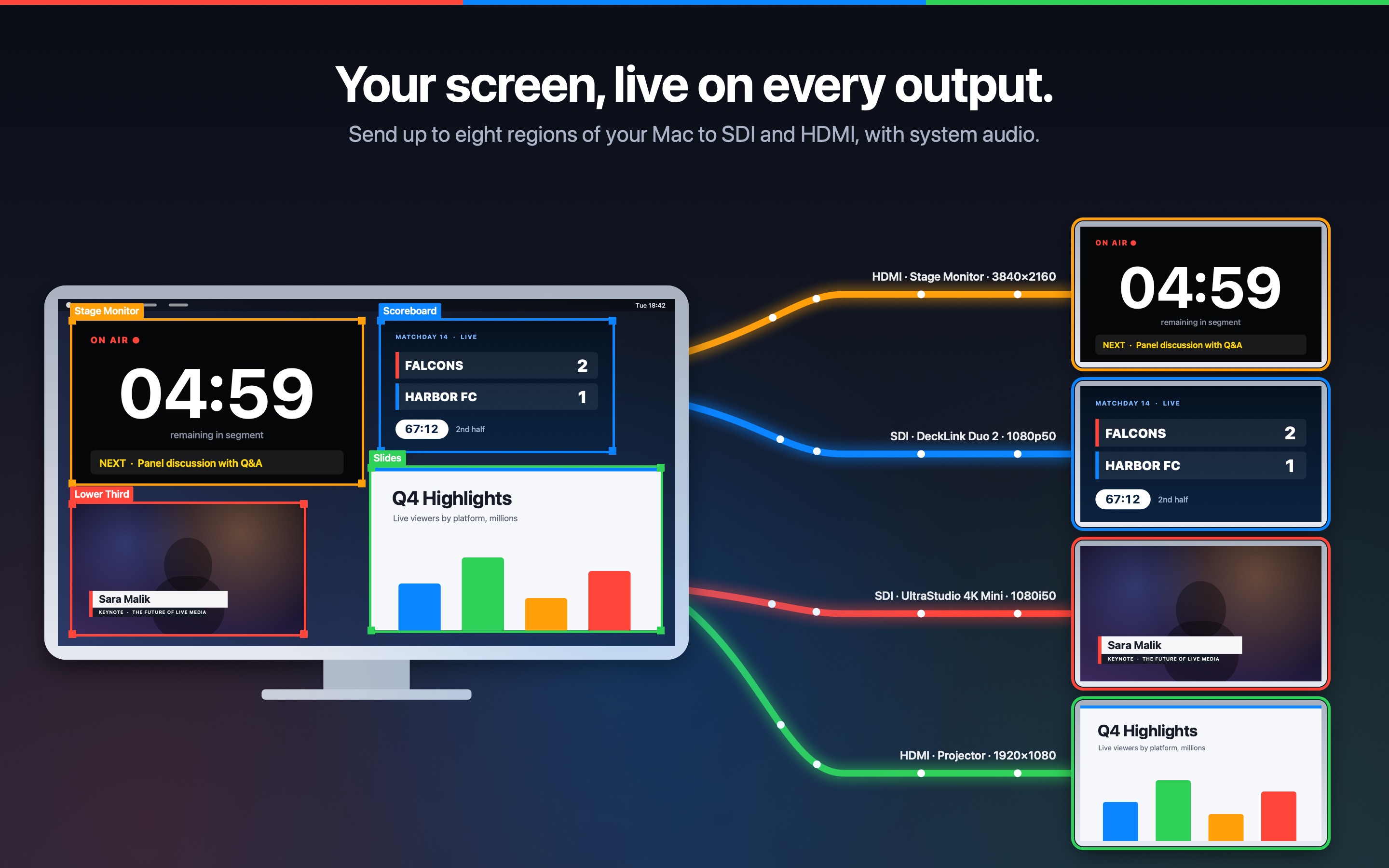
Four outputs from one Mac: two Blackmagic SDI feeds and two HDMI displays, each with its own region.
Everything you need to put part of your screen on air, and nothing that gets in the way.
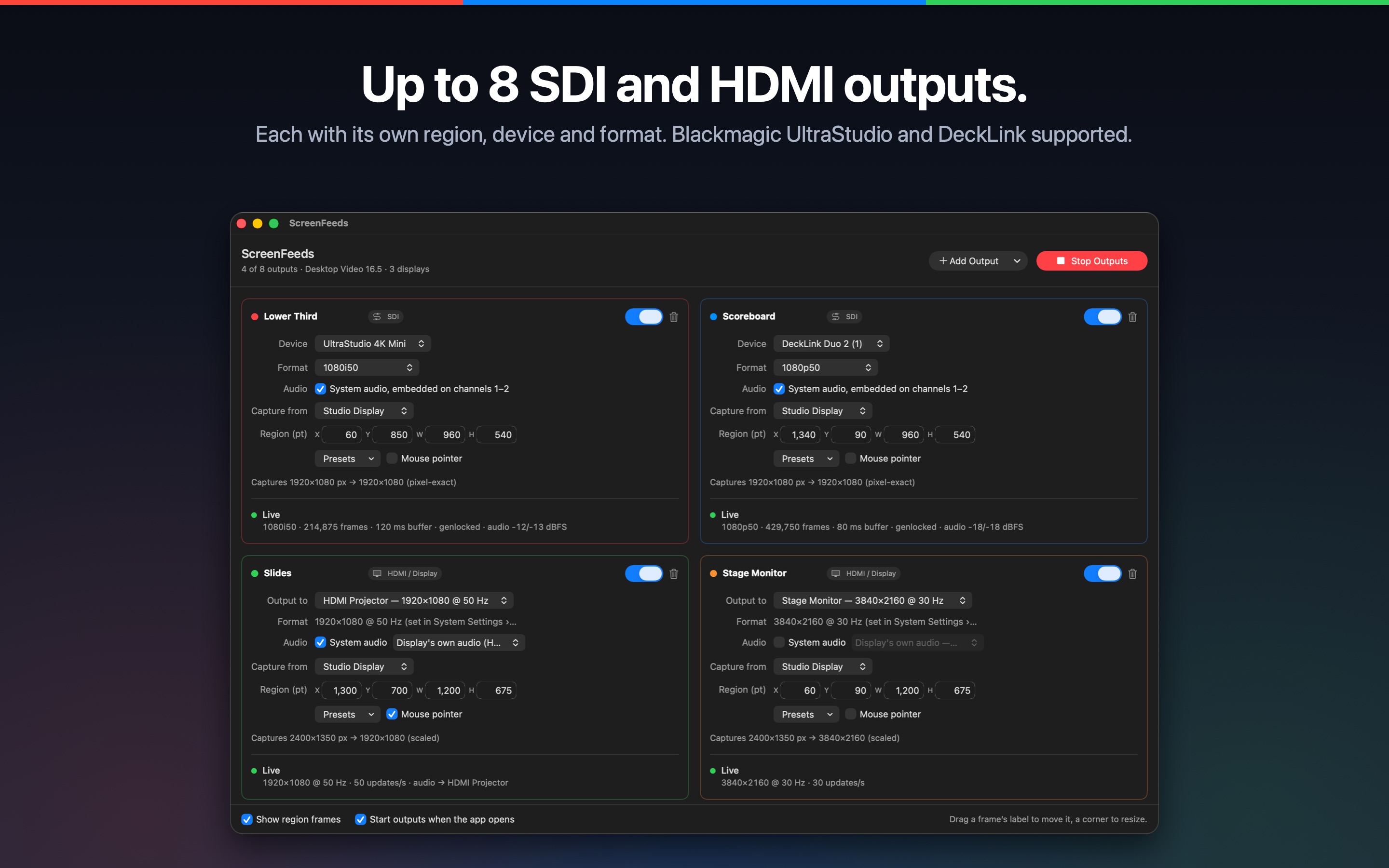
Each output has its own region of the screen, at its own size and position. Mix SDI and HDMI freely.
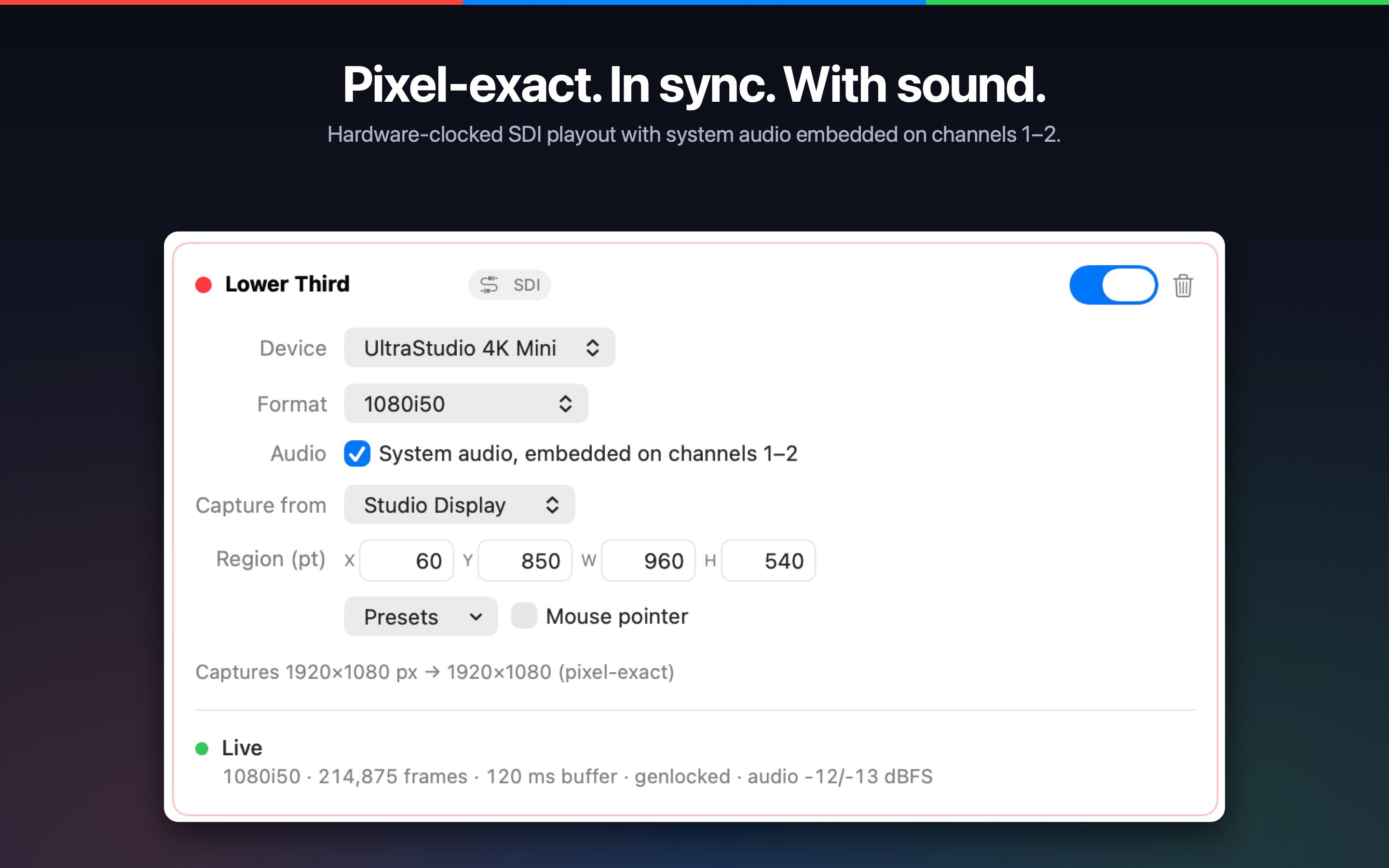
Plays out through UltraStudio and DeckLink devices, clocked by the hardware for steady frame timing, in the formats your device supports.
Sends a region fullscreen to a display, projector or HDMI-to-SDI converter, scaled to its native resolution.
Your Mac's sound is embedded on SDI channels 1–2, or played on the display's own audio, in step with the picture.
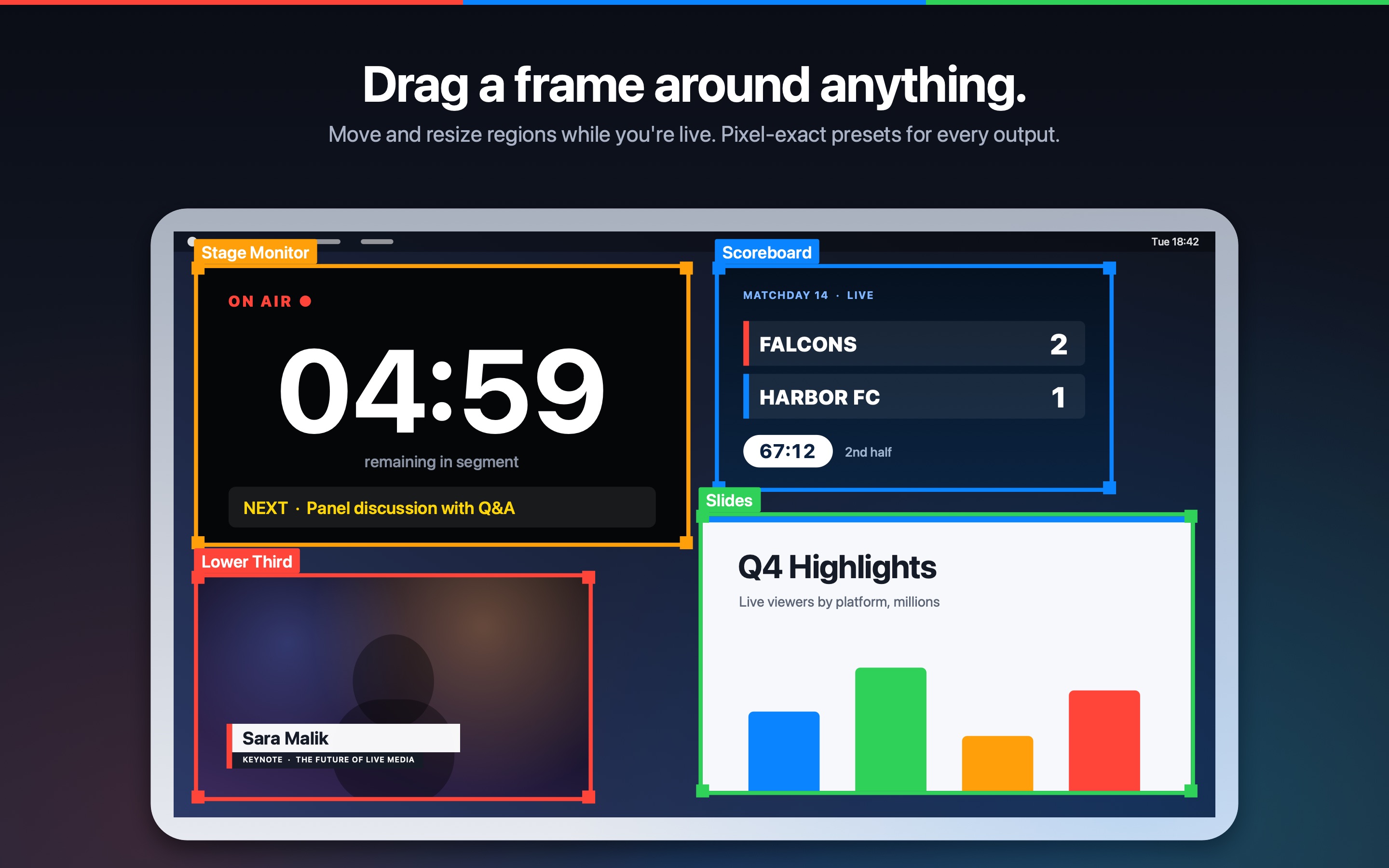
Drag a frame to move or resize a region on air, type exact pixel values, or snap to presets that match the output.
Unplug and reconnect a device or display, and its output picks up again. With one Blackmagic device connected, it is selected automatically.
Set up once, and ScreenFeeds remembers everything for next time. It can even start your outputs as soon as it opens.
Choose SDI or HDMI for each output, then its device or display and video format.
Drag each coloured frame over the part of the screen you want on that output.
Press Start Outputs. Each output card shows its live status and frame statistics.
Anywhere a Mac screen needs to reach broadcast and AV equipment.
ScreenFeeds has no network access and collects no data. Your screen content goes only to the outputs you choose. Read the privacy policy.
Check the requirements and setup guide, or write to us at info@ahsoft.app.